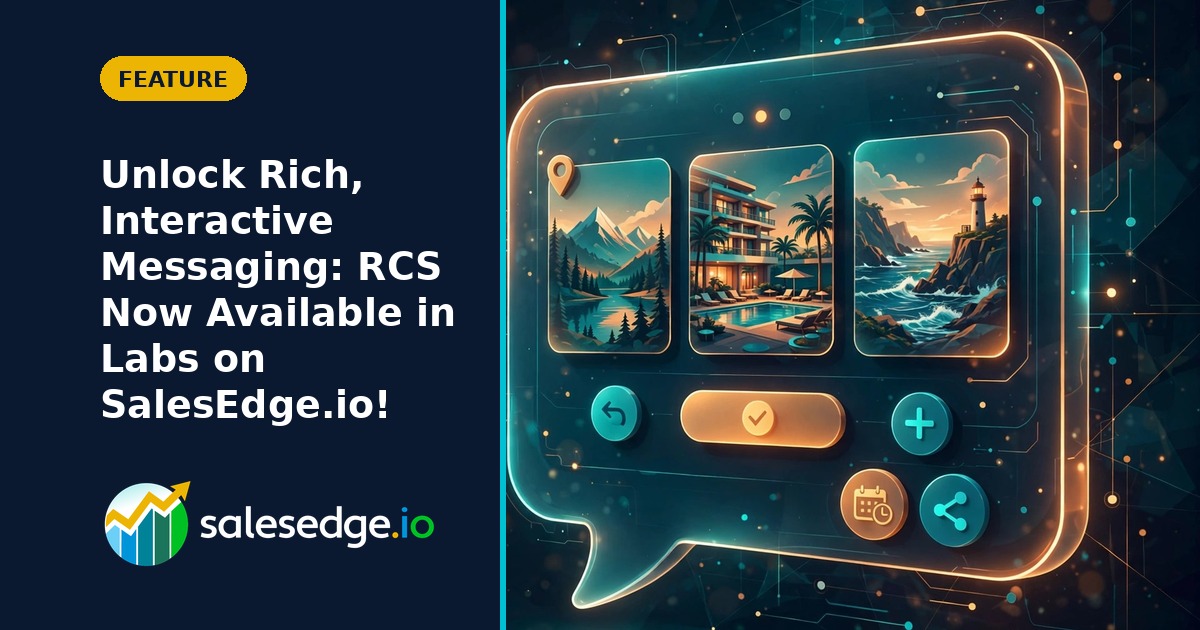
🚀 Unlock Rich, Interactive Messaging: RCS Now Available in Labs on SalesEdge.io!
🚀 Unlock Rich, Interactive Messaging: RCS Now Available in Labs on SalesEdge.io!
Experience Better Conversations with Your Clients
Your clients expect more than just simple text messages—they want vibrant, interactive conversations that make connecting with your business a breeze.
That’s why we’re excited to introduce RCS (Rich Communication Services) Messaging in Labs on SalesEdge.io. RCS brings you richer, branded messaging experiences right inside your platform—making conversations more engaging and onboarding easier than ever before.
What’s New?
- RCS Messaging is now available to try in Labs: You can enable RCS Messaging for any of your accounts and start exploring right away.
- Simplified Registration: Complete the entire RCS sender registration process directly within SalesEdge.io. No need to navigate third-party websites—you’ll be guided step-by-step so you can launch quickly and confidently.
- Save Progress Anytime: Your registration progress is saved automatically, so you can pause and finish later if you need to.
- Track Approval Status: Once you’ve submitted your sender, keep an eye on its approval right in your dashboard.
How RCS Supercharges Your Messaging
- Branded Messages: Show your business name, logo, and details so clients recognize you instantly.
- Rich Cards & Carousels: Easily showcase products, services, or promotions with images and interactive card layouts.
- Interactive Buttons: Let clients take immediate action—like booking a call or viewing offers—right from their message thread.
- Suggested Replies: Make it easier than ever for clients to respond with one tap.
You can use RCS across all your favorite SalesEdge.io tools, including direct 1:1 conversations, bulk messaging, automated workflows, and reusable message templates. This means you can deliver high-impact communications each and every time.
Getting Started is Simple
Here’s how to enable RCS Messaging on SalesEdge.io:
- Go to Settings → Labs in your SalesEdge.io account.
- Find RCS Messaging and turn it on.
- Select the account where you want to set up RCS, then head to Settings → Phone System → RCS Messaging.
- Begin the guided registration process:
- Enter your brand information (business name, logo, website, etc.).
- Select the countries where you want to use RCS.
- Explain how you’ll use RCS and how clients will provide consent.
- If you’re in the US, provide a few extra details for verification.
- Review everything and submit for approval!
- Once approved, your sender becomes Live and you can start sending RCS messages.
Tip: You can enable RCS for multiple accounts and choose when to introduce it to each client, making it easy to scale as you grow.
Why This Matters for Coaches and Small Businesses
- More Impactful Conversations: Share rich content, images, and calls-to-action that help your clients engage and take action—without leaving their messaging app.
- Faster, Easier Onboarding: Get started right inside SalesEdge.io, with less hassle and no switching between platforms.
- Flexible Growth: Roll out RCS to selected clients now, and expand as your needs evolve.
- Greater Value: Deliver a standout experience that sets your coaching or consulting business apart.
With RCS, it’s not just about sending fancier messages. It’s about creating truly useful, memorable interactions your customers will appreciate.
Good to Know
- RCS Messaging is currently available via Labs on SalesEdge.io.
- RCS registration requires approval from carriers and providers before live messaging can begin.
- Feature availability depends on supported countries, carriers, and recipient devices.
- You can save your progress during registration and come back at any time.
- Add test devices to trial RCS messaging before going live.
We Value Your Feedback
This Labs release is a big step toward taking your client communications to the next level. As you explore RCS onboarding and start using richer messaging, your feedback is invaluable. Let us know what you love, what could be improved, and which features would make your business thrive even more.
Thank you for being part of our journey to create more meaningful, interactive connections with your clients!


For existing SalesEdge.io users: This update is already live in your account.
Not using SalesEdge.io yet? Book a demo today to discover how it can simplify and automate your business.


